


Home Products Software (IT) Labeling Software Applications NiceLabel Allergens
NiceLabel allergenen
Labeling software
European Allergen Legislation
Software complies with EU Regulation 1169/2011 for mandatory allergen declarations.
User-Friendly Data Import
Import allergen data via web, databases, XML, or file drops.
Automatic Formatting
NiceLabel highlights allergens in bold/italic for clear recognition.
Product information
NiceLabel Allergens is a software application for food manufacturers to comply with European labeling legislation since December 13, 2014. It solves the challenge of mandatory, clearly recognizable allergen declarations on labels by offering automated management and printing of ingredient lists.
Codipack provides a NiceLabel application with a user-friendly interface for data import from external sources via web interfaces, database connections, XML files, or file drops. Allergens are automatically highlighted (bold, uppercase, color) according to EU rules using Rich Text Box objects and WithExceptions functions for false positives like “coconut milk”.
Suitable for the food industry where allergens must stand out explicitly among ingredients. Codipack delivers NiceLabel Allergens as a partner solution that manages and prints allergens for compliant labeling without manual errors.
Show more
Specifications
Complies with EU Regulation 1169/2011 for allergen labeling.
User-friendly interface for data import and management.
Web import, database connections, XML import/export, file drops.
Automatic formatting: bold, uppercase, italic, underline, color.
Rich Text Box objects for formatted ingredient lists.
WithExceptions functions for false positives (e.g., coconut milk).
Allergens clearly distinguishable from other ingredients.
Suitable for food manufacturers with complex ingredient lists.
Integrated into NiceLabel label design and print software.

Frequently Asked Questions
Coding and labeling is our core business. We have 5000 customers in very diverse sectors: from the local cheese shop to the multinational.
When did allergen labeling become mandatory?
Since December 13, 2014 according to EU Regulation 1169/2011.
How are allergens formatted?
Bold, uppercase, italic, or color via Rich Text Box functions.
How does the software import allergen data?
Via web interfaces, database connections, XML, or file drops.
What does the WithExceptions function do?
Prevents incorrect marking of non-allergens like “coconut milk”.
Others also viewed
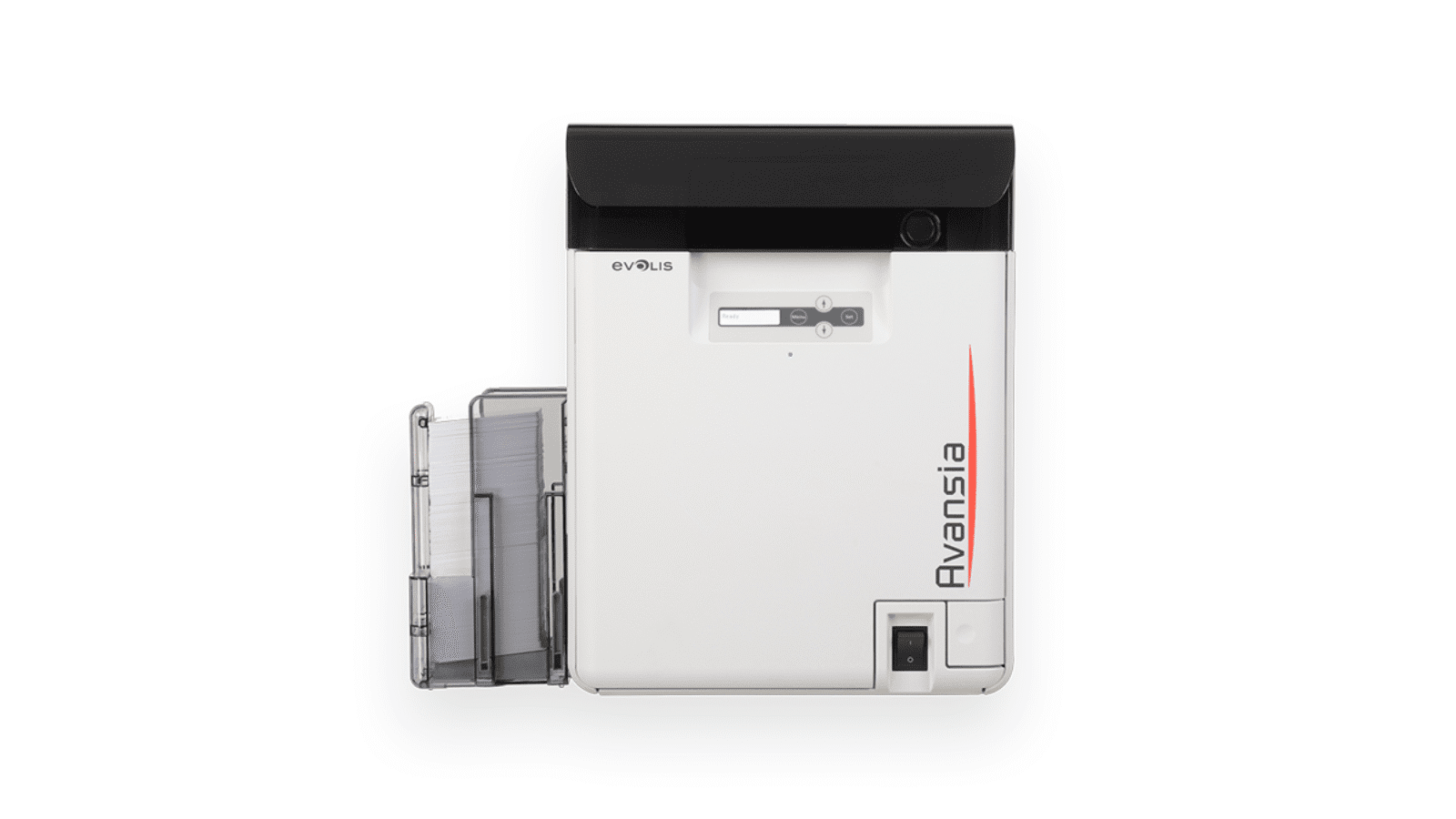
Evolis Avansia
Excellent HD print quality
Retransfer technology with 600 dpi for perfect images, microtext, and edge-to-edge printing.
High productivity
Up to 144 single-sided or 96 double-sided cards per hour with 250-card hoppers for uninterrupted production.
Robust security
Airtight construction protects against dust and heat, with RFID ribbon security and lifetime printhead warranty.

Blank labels
Suitable for every sector
Wide choice of labels for shipping, barcodes, boxes, pallets and addresses.
Full customization
Choose desired size, finish, material and adhesive for every application.
30 years expertise
Experienced advice for perfect combination of quality, paper or plastic.
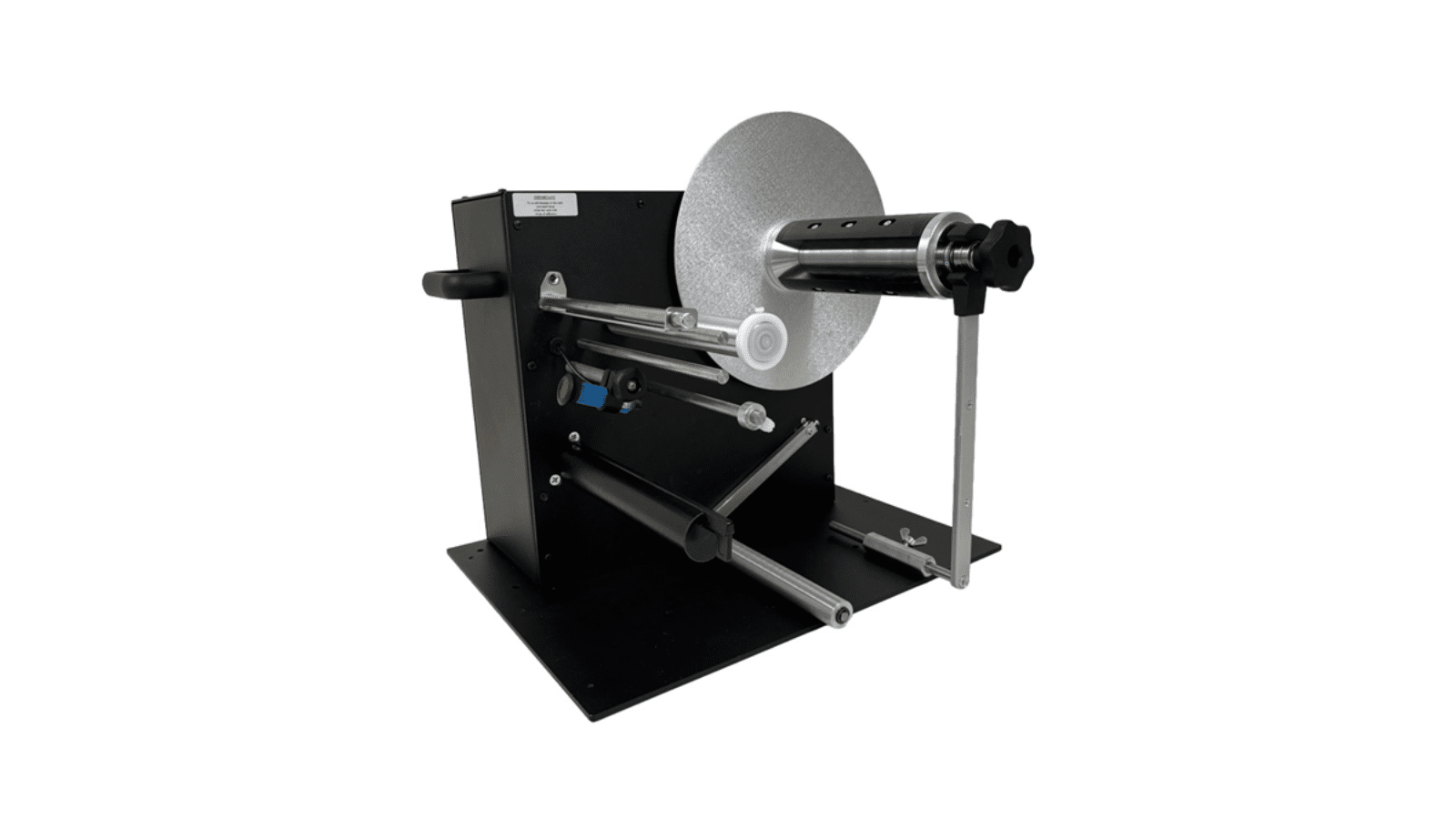
Labelmate LD-300-UNI
Heavy rolls up to 10 kg
The Labelmate LD-300-UNI smoothly handles heavy label rolls up to 10 kg and 350 mm in diameter with a dual motor for intensive use.
Fast peel-and-present operation
Automatic dispensing with an optoelectronic sensor; the next label is ready after picking up the previous one.
Long warranty
2 years on parts and labor for reliable performance.